
LoyalKit Cards for small business
A coffee shop loyalty program built for a busy counter
Give regulars a card they can keep in their phone Wallet while staff record earning and redemptions from a scanner or dashboard.
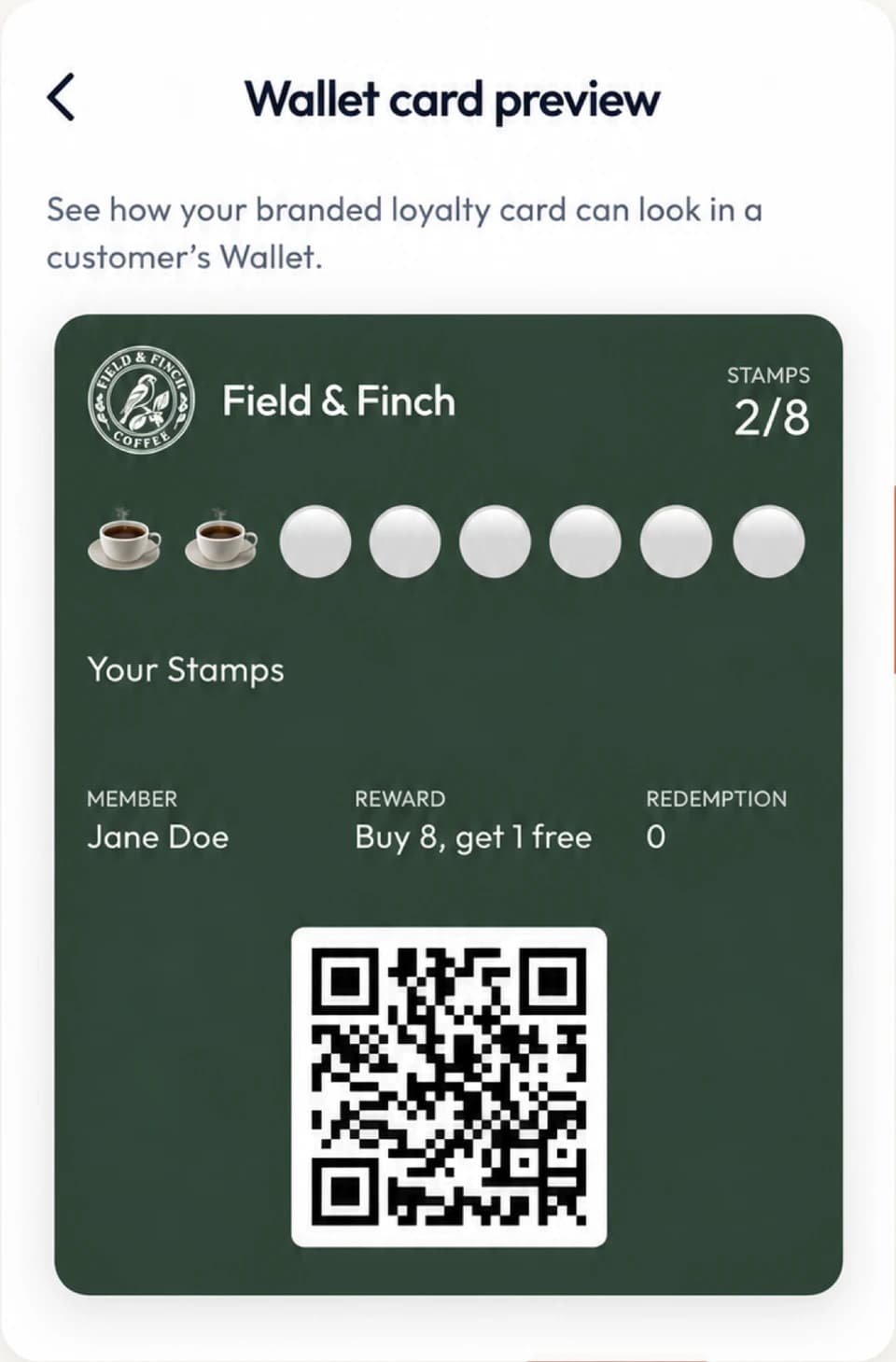
A coffee shop loyalty program succeeds or fails at the counter. The reward must be easy for regulars to understand, and the staff action must fit between taking an order and serving the next customer. LoyalKit keeps the card in Apple Wallet or Google Wallet while leaving the existing register in place.
The customer scans your shop's join QR code.
They add the branded card to Apple Wallet or Google Wallet.
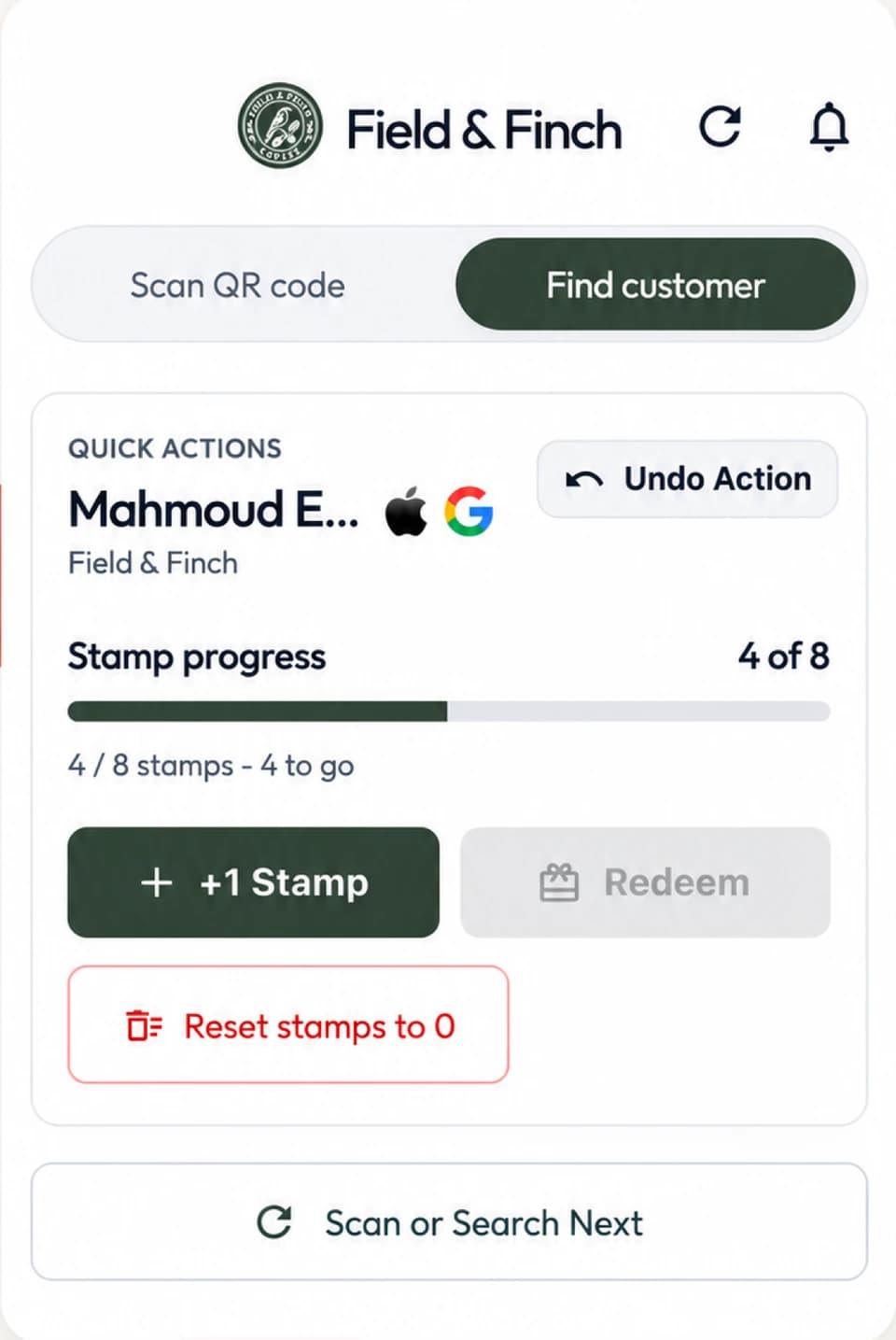
Staff add stamps or points and the Wallet pass updates.
A familiar program without the paper card
Many cafés begin with a fixed stamp threshold because drink purchases are frequent and the progress is easy to explain. Customers scan one join QR and save the branded card without installing a LoyalKit customer app. After checkout, staff use the LoyalKit scanner app on iOS or Android, or the web dashboard, to update progress.
Help customers reach the card near the café
When the café saves a valid map location, Apple Wallet may suggest its loyalty pass on the Lock Screen and Google Wallet may display a Nearby Passes notification. The behavior depends on customer permissions and each platform's delivery rules. See how Wallet location alerts work near a shop for setup, limits, and measurement guidance.
Decide what earns progress
Define whether one stamp means one qualifying drink, one paid visit, or another specific action. A vague rule such as “one stamp per order” can become confusing when an order contains several drinks. Write exclusions before launch and train every shift on the same wording.
Use points when baskets vary
Points can be more appropriate for a café that sells meals, retail beans, merchandise, and drinks at very different values. The business can offer several rewards, but it must define a consistent earn rate and decide how staff enter points separately after the sale.
Coffee counter launch checklist
- Choose whether drinks, visits, or spend earn progress.
- Model the direct cost of the reward at the chosen threshold.
- Place the join QR where a waiting customer can scan it.
- Give each active staff member the correct permissions.
- Test earning and redemption during a simulated rush.
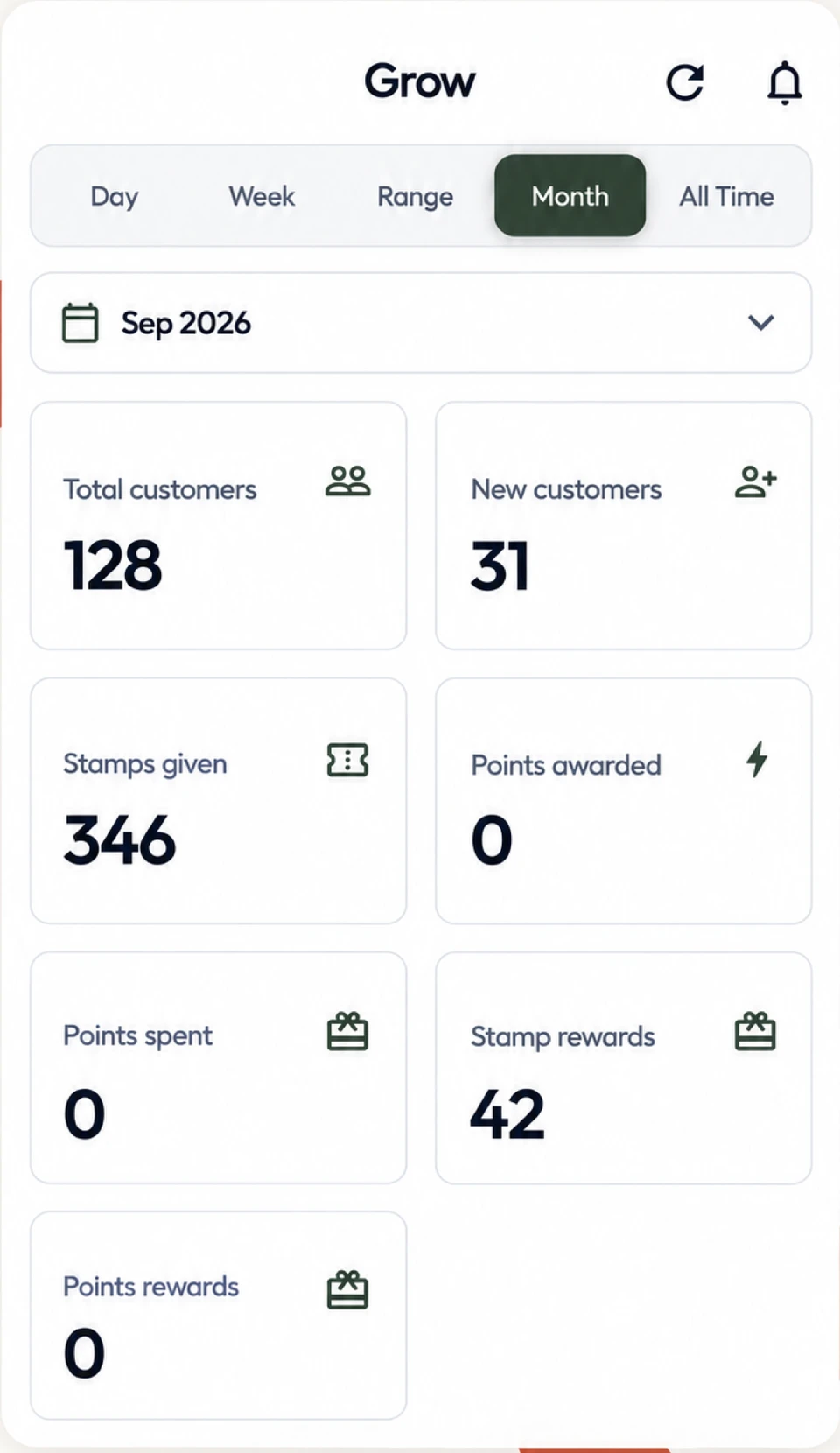
- Review duplicate records, corrections, and reward completion weekly.
What LoyalKit does not do
LoyalKit does not calculate loyalty automatically from the café's sale line items. The sale happens in the existing POS; the loyalty action is recorded separately. This keeps setup independent but requires a consistent staff habit.
One plan for the complete workflow
After the 14-day trial, the current web price is per month or per month. Prices exclude tax. Applicable tax is calculated at checkout.. Apple Wallet and Google Wallet cards, unlimited customers, staff tools, customization, and activity reporting are included.
Does a coffee shop need to replace its POS?
No. LoyalKit runs beside the existing checkout. Staff record the loyalty action separately through the scanner app or dashboard.
Can the program reward both drinks and other purchases?
Yes, but the business should choose stamps or points and document exactly how each qualifying purchase earns progress.
Do customers download a café loyalty app?
No separate LoyalKit customer app is required. Customers save the pass to Apple Wallet or Google Wallet on a supported phone.